Starting with a LinkedIn Reply and Going All the Way to Malware Distribution
Day 71 of 100 in the 100 Days of Cyber Challenge.
In Day 68 of the 100 Days of Cyber Challenge on LinkedIn, I shared a video covering what appeared to be an attempted social engineering attack through a job recruiting scam. This week’s Malware Monday article covers these attacks in greater depth.
I Think Someone Tried to Scam Me
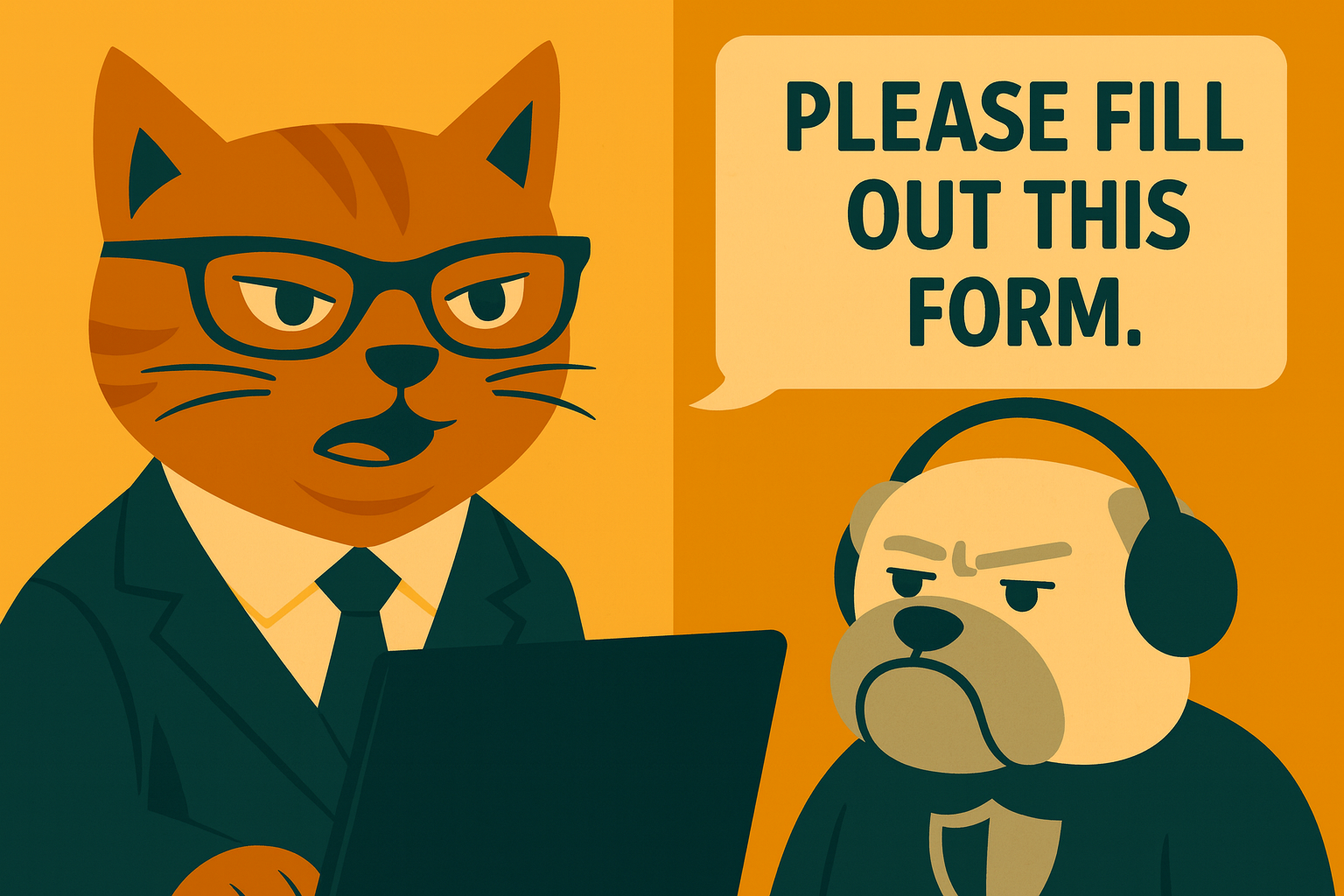
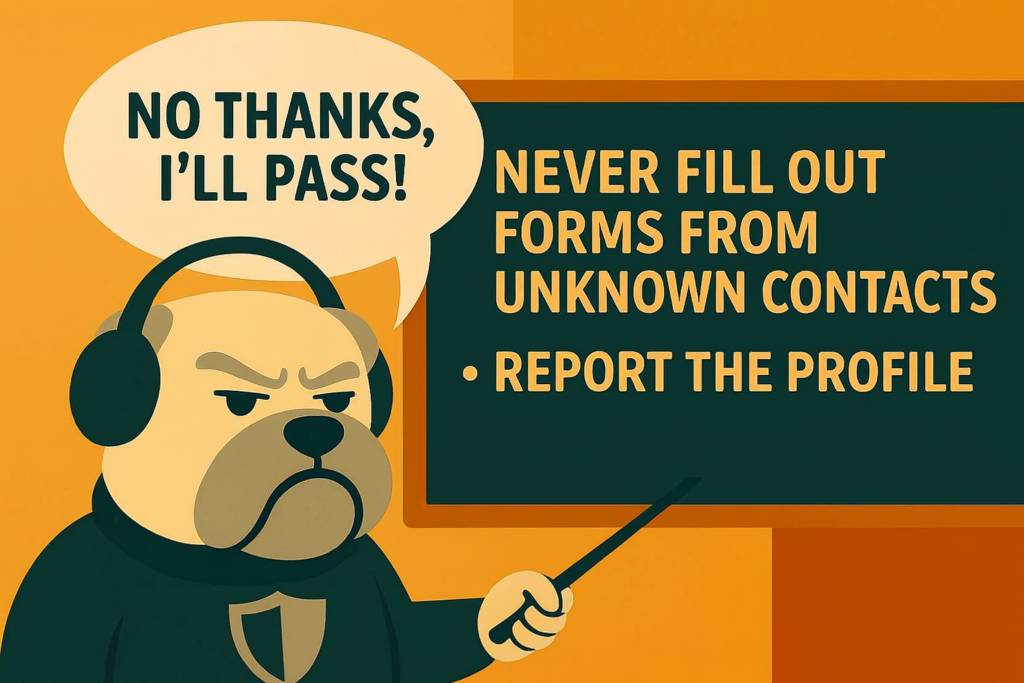
A couple of days ago, I had commented on a humorous meme post and later receive a reply from a job recruiter out of the blue encouraging me to fill out an online form. While I did not attempt to prove beyond a reasonable doubt that this was a scam, it was definitely suspicious. It was irrelevant to the discussion and I never initiated contact with this person.
I first took the link in the reply and checked it using URLVoid.com. That gave me an IP address that I then checked with AbuseIPDB.com. While the source was from Google and appeared to be legit, I scrolled down further and found the IP address had appeared in user reports.
If there is one thing I learned from all this, it’s to look at all the data on the page. Don’t just see ‘Google’ and conclude the source was legit. Look at ALL the information provided, even if you have to scroll.
Job applicants struggling to get interviews lined up are more likely to let their guard down and respond to a message from a recruiter even if it has malicious links. Attackers know this and are often successful phishing these potential victims.
How these messages start varies: it could be from an email, a reply to a post, or a private message, but one characteristic they all seem to have is that they are unsolicited.
Job Scams Are on the Rise
Resume.org recently surveyed more than 2,000 Americans and found that 39 percent said they received a job scam text in 2025. One in seven fell for the scam.
The saddest stat of all may be that 8 out of 10 said the scams affected their attitude towards legitimate recruiters. Some of this reflects vigilance; job applicants are looking job listings over more carefully before responding. The fact that 31 percent are hesitant to apply for remote jobs and one in four delay responding to legitimate opportunities suggests a hidden cost: applicants are worried about scams and it delays the process of getting a job harming them even further economically.
How Malware Gets Distributed
Crowdstrike shared a recruiting scam in 2025 where attackers phished job applicants by tricking them into installing software referred to as an “employee CRM app” that was required to apply for the job.
The software checked for certain conditions before installing. Since this particular malware is a cryptominer called XMRig, the machine’s configuration is checked to see if it has enough horsepower to do the work. It also checks for detection tools and sandboxing, which would undermine its purpose. If the victim’s machine meets the criteria, the malware is installed.
In addition to installing malware, clicking on a malicious link or button can result in several outcomes:
(1) Identity theft from scammers grabbing your contact information from your resume
(2) Financial loss from scammers requesting your credit card info to cover “fees” in the hiring process
(3) Credential theft from providing usernames and passwords to phony login pages
The common thread for malware installation seems to be: victim gets persuaded to click deceptive link -> link installs malware -> malware does harmful things.
Red Flags to Look Out For
Recruiting scams can happen a lot of different ways, so there is no cut-and-dried list of procedures a job applicant must follow, but the following red flags suggest a job recruiting message should be treated carefully and with skepticism:
(1) The message from the ‘recruiter’ is unsolicited. You never filled out an application or reached out to them.
(2) The “too good to be true” factor. You are offered a position you are not qualified for or given immediate approval.
(3) The email address of the ‘recruiter’ comes from a free or generic source like Gmail, Yahoo, or Outlook.com.
(4) The recruiter does not communicate by phone or in person and may ask that you resume the discussion in a messaging app.
(5) You are pressured to respond quickly by the message’s urgent tone.
(6) Links you are supposed to click during the application process are not consistent with the company’s domain.
(7) You were contacted through a profile that had been created recently, has no followers or connections, no posts, or other signs of activity other than the low-effort variety such as likes or shares.
Again, these red flags are not absolute. The person who contacted me on LinkedIn had a logo in their profile from a reputable staffing company. It seemed legit at first. Looking at other details helped me draw a conclusion.
Unfortunately there is little beyond social validation to keep someone from creating a fake persona on LinkedIn and falsely claiming this person works for a certain company.
A more insidious scam would be to clone an existing profile. If Jane Smith truly works at XYZ Staffing, creating a duplicate account to launch a phishing campaign would provide some cover. A phone call to XYZ or look at their site or LinkedIn profile is likely to confirm that Jane Smith works there. Examining all the evidence put together is going to be the best way to determine if something is a scam.
It is blood-boiling to think that some of the people most vulnerable to cyberattacks are those desperate for jobs, but it’s reality. Preventing these disgraceful people who launch these attacks from getting the payoff they seek means slowing down and being deliberate about responding to any online contact purported to be from a recruiter.
Looking at the context of the message, its appeals for a quick response, and the source of the message can prevent the frustrating experience of joblessness from getting even worse.