This time on Fiverr. I share the message to show what’s going on
by Christopher Mohr
Day 78 of 100 in the 100 Days of Cyber Challenge
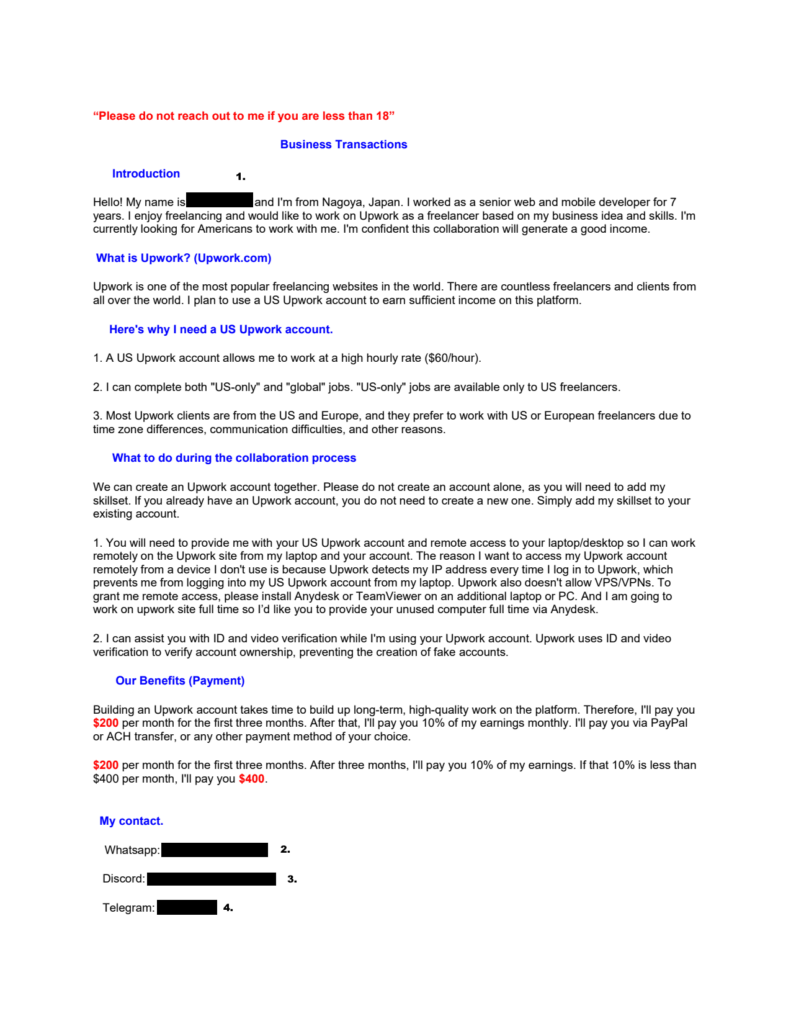
On Monday (2 February 2026) I received a message in my Fiverr account inbox, which is shown below. All account identifiers and names in the message have been redacted in items 1-4. It offers an illicit partnership arrangement that would get your account banned if you followed through on it.
Why the redactions? Ultimately they protect me from host sites invoking their anti-doxxing policies against me. I also have no way of knowing if these are burner accounts or if they are legitimate accounts of that were taken over.
If these are compromised accounts, I do not want an innocent person becoming the target of online vigilantes. Even if these are burner accounts and a would-be scammer deserves whatever scorn can be heaped upon them, it’s not fair to the sites that host these accounts to force them to deal with the potential hassle from an angry online mob.
The best response to this message is to shine the light on the scammers’ tactics, but leave anger and retaliation out of it.
The message:
How Is This Suspicious? Let Me Count the Ways
One of the first signs of suspicion is that the message about being under 18. What does that have to do with anything?
Another sign is how it talks about Upwork, but was sent to a Fiverr account.
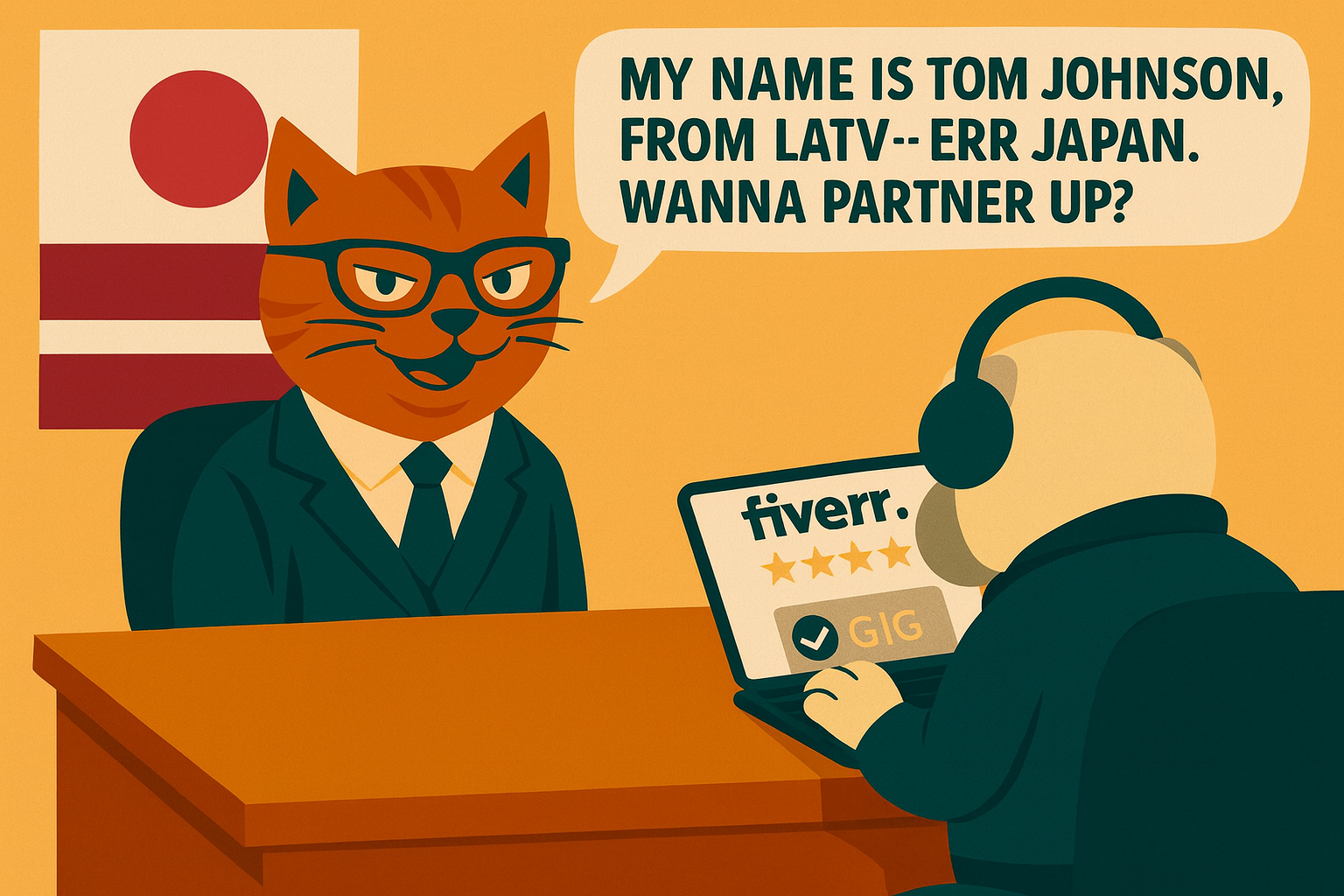
Fiverr indicated in a caption in the right margin of the page that the account that sent this was based in Latvia when the sender claims they are from Japan.
In hindsight, I wish I had screenshot the the Fiverr Inbox page, but I wanted to report the sender ASAP and avoid any activity that risked downloading malware, so I exited this conversation quickly. Maybe too quickly.
It’s a little strange that someone gives me background that Upwork is, “one of the most popular freelancing websites in the world.” It’s kind of like a car dealer telling me cars are for transportation, but I digress.
All these strange excerpts from the message start to add up.
The “partnering” arrangement is a clear violation of Fiverr’s Terms of Service (TOS), which states:
“Authentic Fiverr Profile – You may not create a false identity on Fiverr, misrepresent your identity, create a Fiverr profile for anyone other than yourself (a real person), or use or attempt to use another user’s account or information; Your profile information, including your description, skills, location, etc., must be accurate and complete and may not be misleading, illegal, offensive or otherwise harmful. Fiverr reserves the right to require users to go through a verification process in order to use the Site (whether by using ID, phone, camera, register excerpts, documents, etc.). “
Upwork also prohibits jobs under the following heading:
“Phishing/security hazards. Creating phishing tools or anything else that would create an information security hazard for another website, person, company, or something else”
Following the TOS is important to not only avoid being banned by the provider, but also to avoid scams.
This is true for many sites like eBay for example. A common scam on that site is to for one party to offer another party a private deal outside their platform. It’s not fair to eBay when they facilitated the relationship and you lose protection if the transaction turns out to be fraudulent.
Never setup or allow anyone to setup AnyDesk, TeamViewer or similar software as this scammer requested. These are applications that allow someone to remotely control another computer. OK for IT support from a trusted party but also a common tactic used in remote access scams.
The message goes on to talk about payment terms that are meaningless if you have given up control of your laptop to someone you don’t know. But if you ignored that for a second you should ask yourself how these mythical payments are going to be enforced. This is why you keep your business on the platform: to protect the terms of the deal.
Be Careful with PDFs!
The message started out with several comments proposing a collaboration. I never replied to any of them.
Then there was a comment that basically said ‘here’s a document that spells out the details’. It had a link available to download it in PDF format. There was also a link to preview the document without downloading it.
I chose the preview option, which loaded the document into another browser tab in .webp format, basically an image of the document.
Both .webp and PDF files have their share of vulnerabilities, so you can’t just say, ‘.webp good, PDF bad’.
But you should never dismiss a PDF as a static document that cannot be edited except with Adobe software either.
I used to think that way, but these files can be setup to run JavaScript code. You should treat them like an executable, especially when coming from an unknown source.
I do not know all the security issues with .webp, but the one that stood out seems to be buffer overruns.
The fact that the PDF came from an unknown source and the .webp came from Fiverr suggests the latter is less risky.
After reporting the user to Fiverr, I blocked the user, exited the tab with the conversation, and can no longer access the message.
My Take on the Message
This looks like an unsophisticated scam designed to take advantage of a user who is desperate for money and uneducated on the basic indicators of phishing attempts. Perhaps someone who also dislikes “the establishment” and is willing to break the rules to help a person who seems to be marginalized by them. It appeals to the emotional needs for money and to help someone unfortunate.
There were so many red flags in this message that most people should not fall for the scam, but apparently enough still do. Even if an attacker only gets 1/1000th of all attempts to scam someone to succeed, it can still be a great payday.
I think a lot of people would fall for PDF attacks, because the file format is so widely used and trusted. It also seems likely that many think these are harmless static documents as I used to.
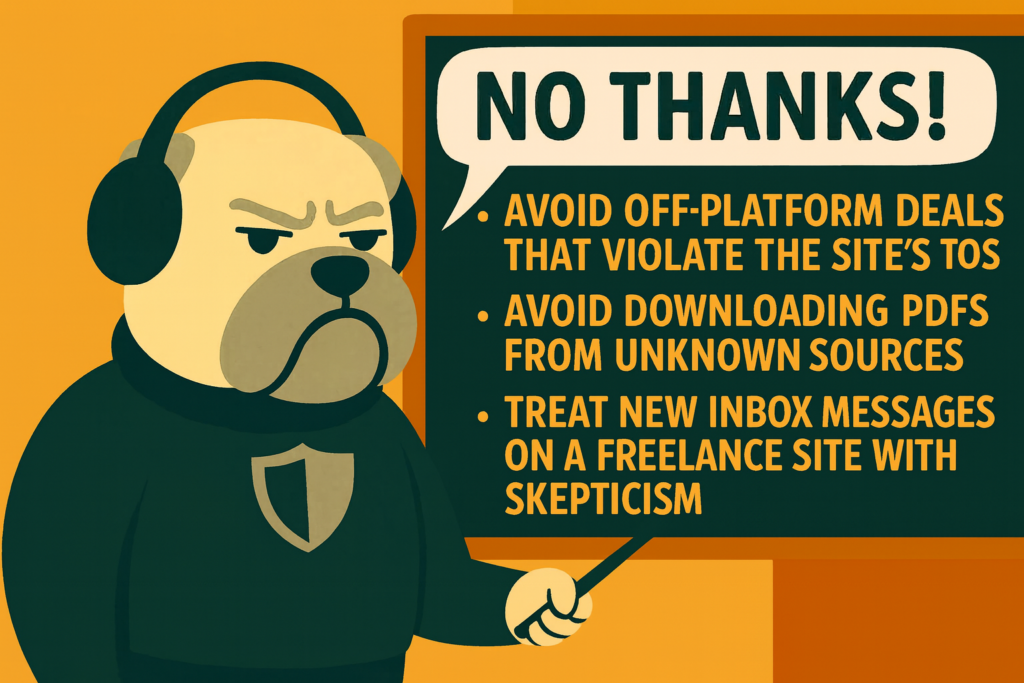
Following a freelance platform’s rules, avoiding PDFs from unknown people, and making skepticism your default reaction to a message in your inbox, will make these social engineering attacks less profitable.
EDIT: It is also probably a good idea to disable email notifications in Fiverr when it has new inbox messages. I also disabled the real-time notifications:
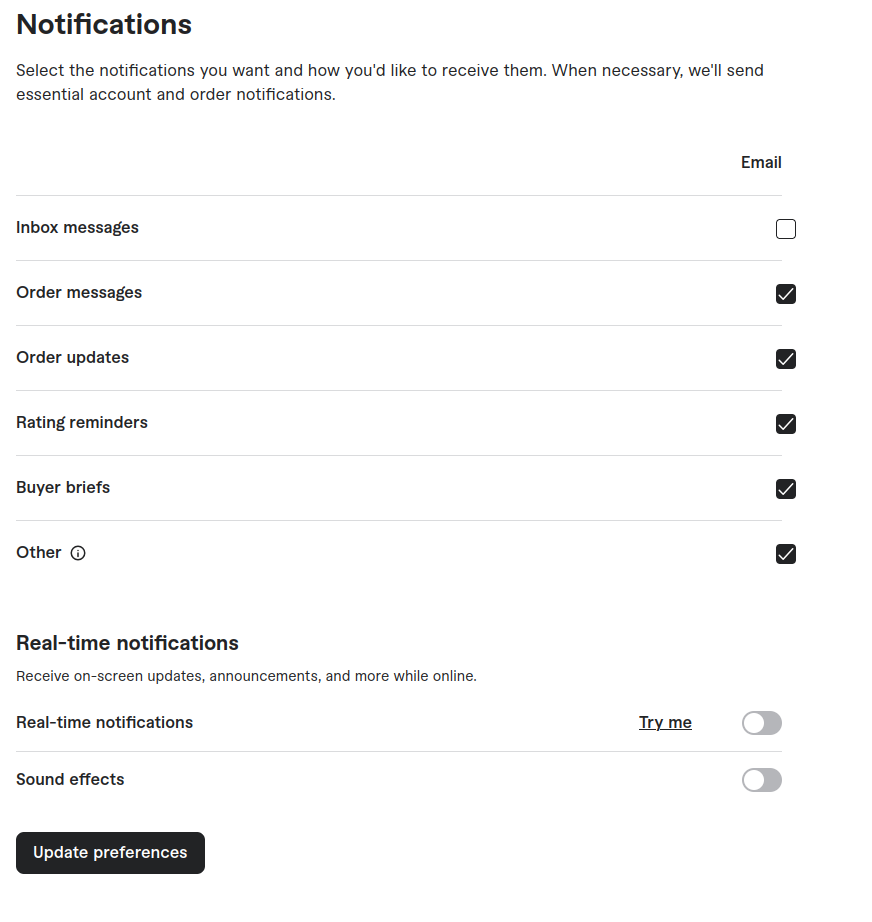
If the Inbox messages setting remains checked, a notification with the phishing link gets sent to your email. Even though Fiverr may have banned the account, you could still accidentally click the phishing link while reviewing emails.